Reliable RS232-USB conversion for Victron devices
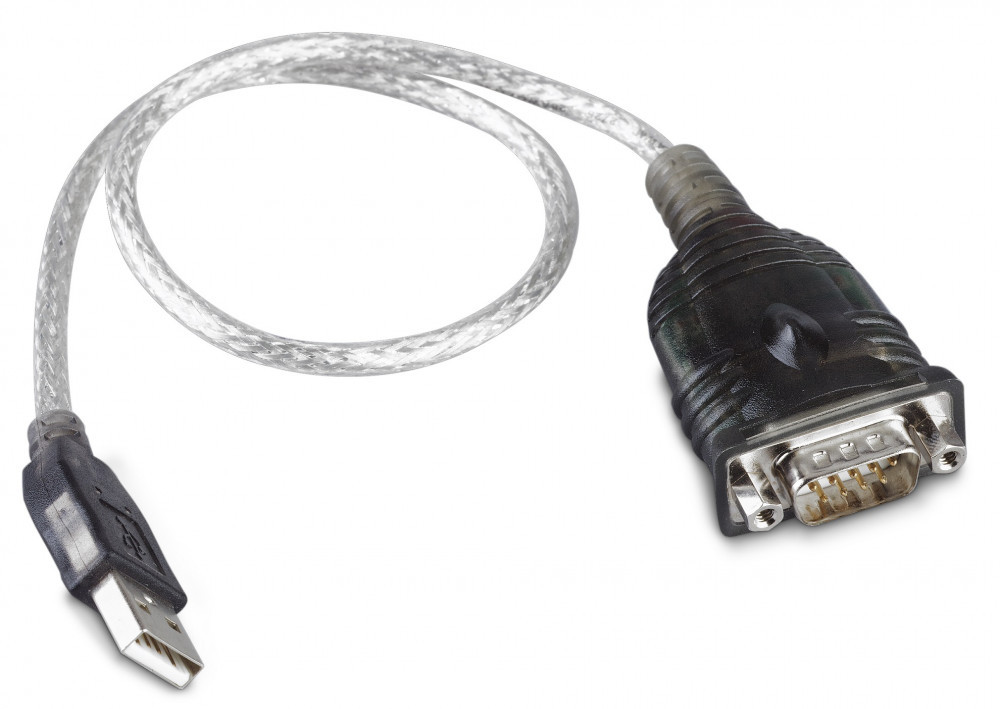
This practical connector allows you to easily connect older Victron devices with serial ports to a computer via USB. Ideal solution when modern PCs no longer have an RS232 port, yet you want to access, configure, and monitor your energy supply systems.
Main features and benefits
- RS232-USB protocol conversion for serial communication
- Stable data transmission for Victron monitoring and configuration software
- Easy connection: plug and play use on modern computers
- Compact design, easily portable service cable
- Reliable connection with inverters, charge controllers, battery monitoring systems
What is the RS232-USB converter used for?
The adapter is essential in situations where you want to manage a Victron device communicating over a serial port via USB. It allows for setting system parameters, performing firmware updates, and detailed data logging.
- Setting and fine-tuning inverter/battery charger
- Configuring solar charge controllers
- Monitoring energy consumption and battery status
- Reading fault codes, diagnostics, and service
- Performing firmware updates via serial communication
Compatibility and system requirements
The adapter is typically used with computers that have a free USB port and support the installation of RS232-USB drivers. Detailed compatibility may vary depending on the operating system used and the version of Victron software.
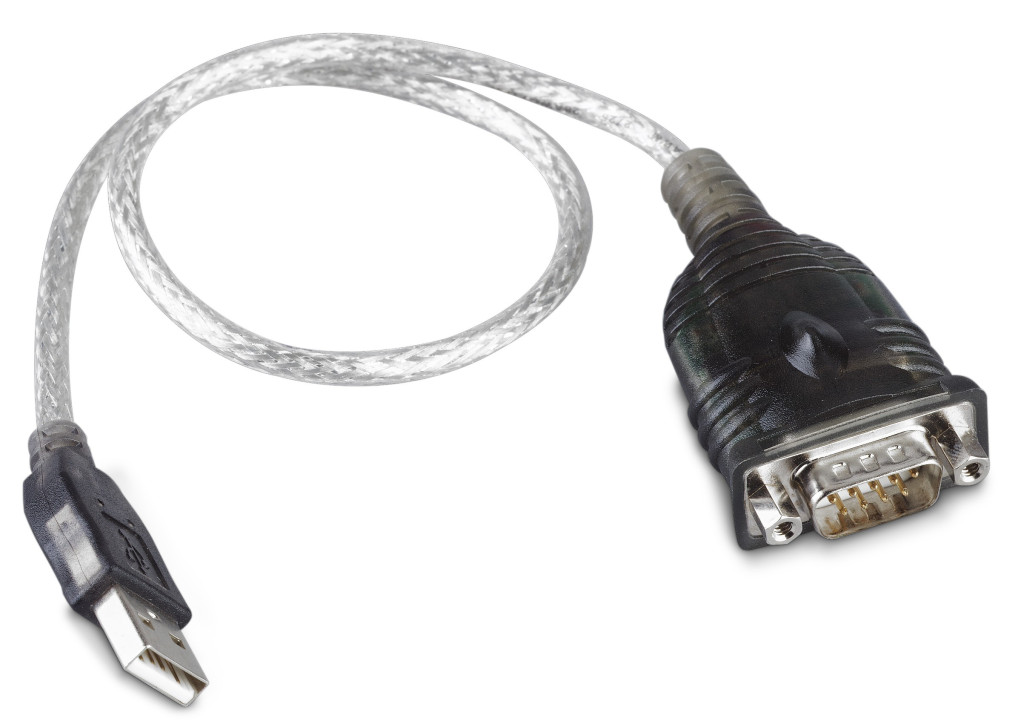
- USB A connector towards the computer
- RS232 connection towards the Victron device (serial port)
- Windows, possibly macOS or Linux support (with appropriate driver)
- Compatible with Victron configuration and monitoring programs
Installation and usage step by step
Setting up RS232-USB communication can be done in a few simple steps. No advanced technical knowledge is required, just follow the process below.
- Install the RS232-USB driver provided by the manufacturer (if necessary).
- Connect the USB end of the adapter to the computer.
- Connect the RS232 side to the serial port of the Victron device.
- Launch the Victron configuration or monitoring software.
- Select the appropriate COM port in the software settings.
- Connect to the device and make the desired settings, diagnostics, or updates.
Why is an RS232-USB converter useful in practice?
The vast majority of modern laptops no longer have a serial port, while many professional energy supply devices still use RS232 communication. This adapter ensures a seamless connection between the old communication standard and modern USB devices. Thus, existing Victron systems can still be fully configured and monitored.
Especially useful for:
- service technicians performing maintenance and troubleshooting in the field,
- system integrators handing over solar or off-grid systems,
- end-users wanting to check the parameters of their own energy production system.
Stable data connection and reliability
The purpose of the adapter is to provide a stable RS232-USB data connection with minimal communication errors. This is particularly important during firmware updates, transferring configuration files, or long-term data logging. Reliable conversion reduces the chances of communication interruptions and supports accurate data collection.
Ideal accessory for Victron systems
Whether for marine, RV, off-grid, or hybrid solar systems, ensuring a serial-USB connection can be crucial for fine-tuning the system. This adapter is a practical accessory for any user wanting flexible computer connectivity for their Victron devices via USB interface.