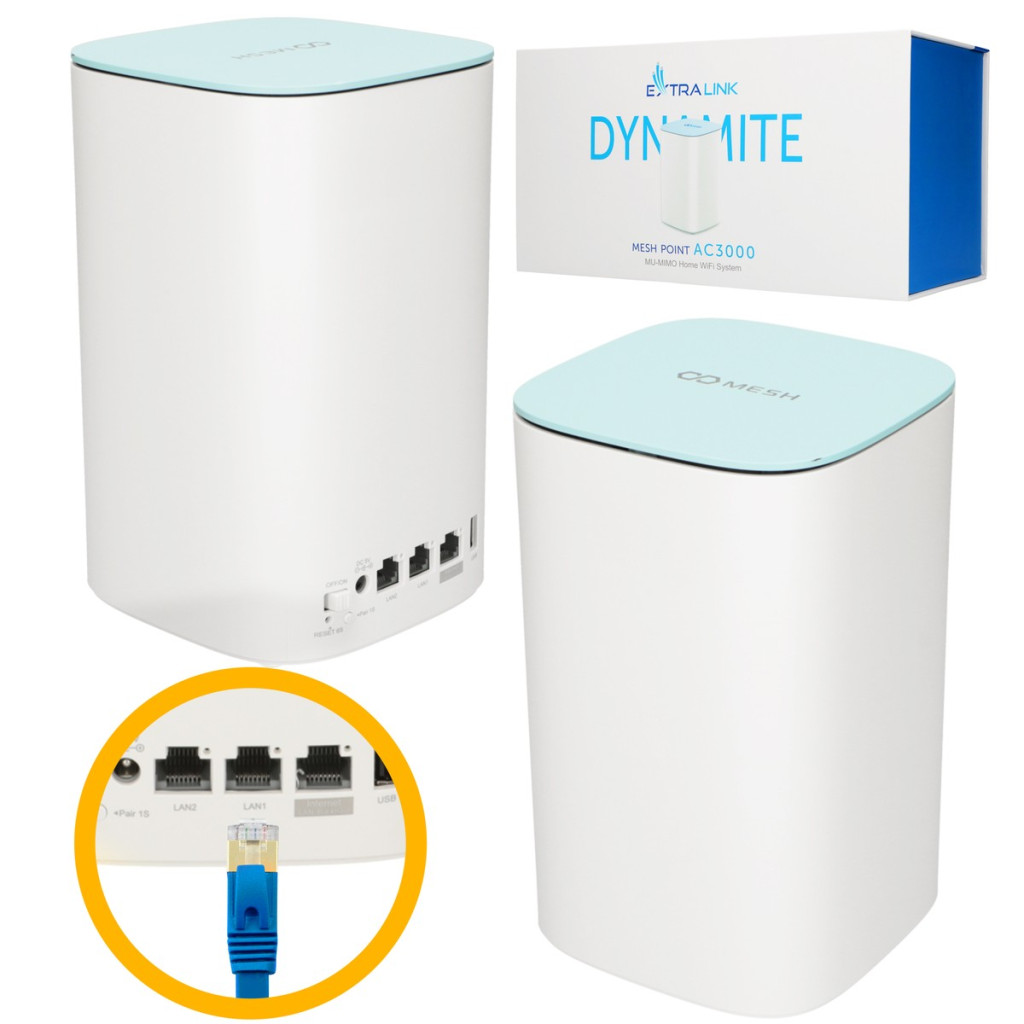
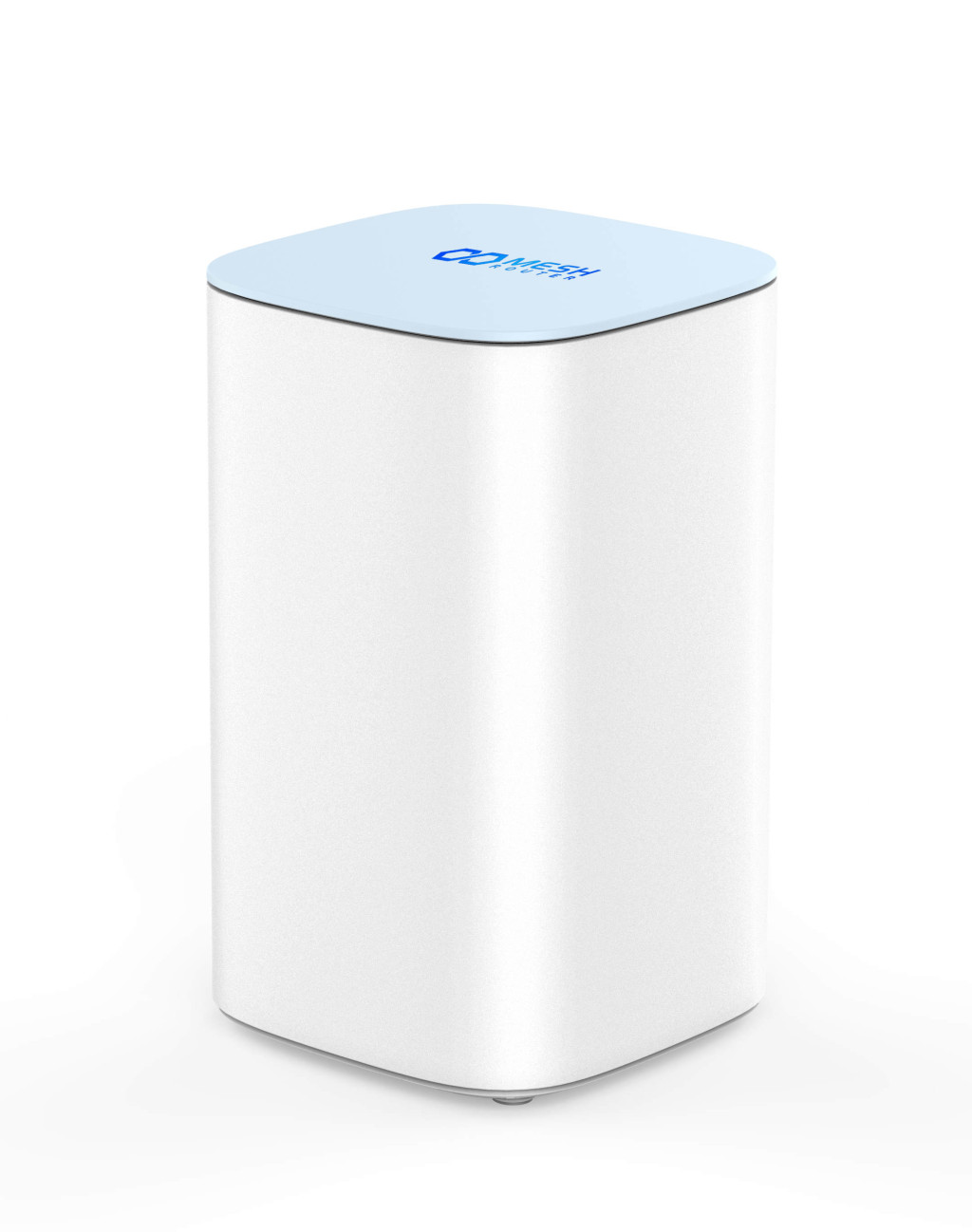
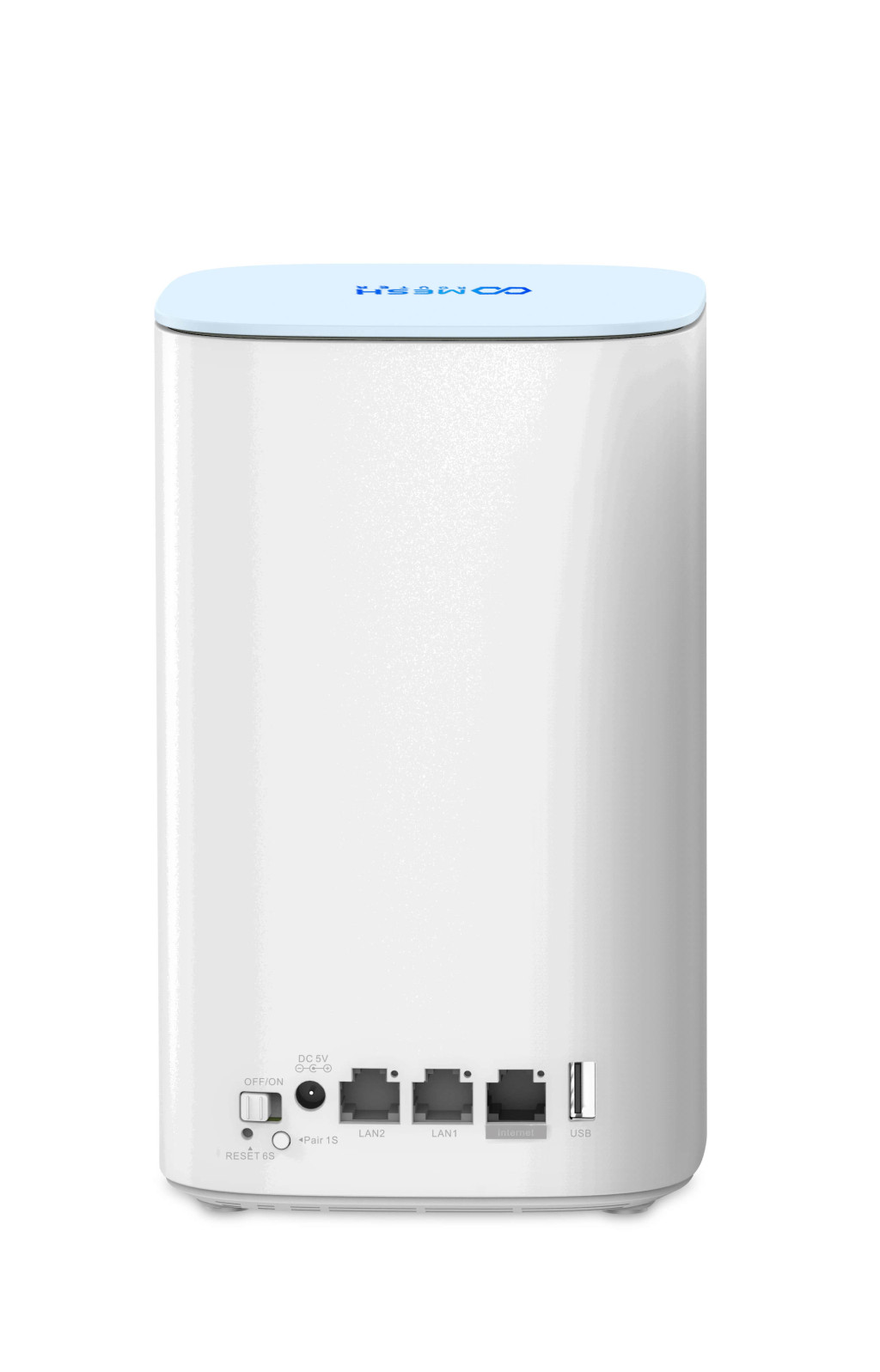
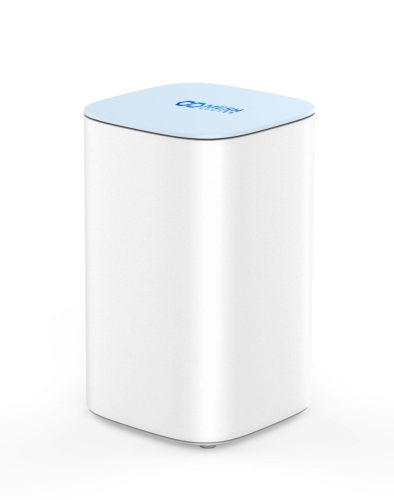
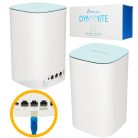
Extralink Dynamite C31, Mesh point, AC3000, MU-MIMO, home WiFi network system
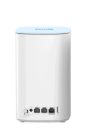
Antennas direction type: Omni-directional
Antennas type: Internal
DHCP client: Yes
DHCP server: Yes
Dynamic IP: Yes
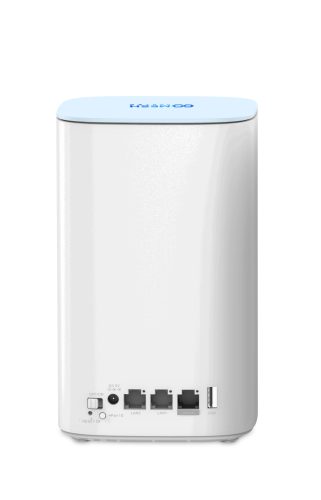
Ethernet LAN (RJ-45) ports: 3
Ethernet WAN: Yes
Guest access: Yes
Housing color: Blue, White
LED indicators: Power, Status, System
Product type: Network mesh system
Reset button: Yes
Static IP: Yes
Latest Wi-Fi standard: Wi-Fi 5 (802.11ac)
Universal Plug and Play (UPnP): Yes
Wi-Fi band: Dual band (2.4 GHz / 5 GHz)
Wi-Fi standards: 802.11a, 802.11b, 802.11g, Wi-Fi 4 (802.11n), Wi-Fi 5 (802.11ac)
Extralink Dynamite – C31 mesh network extender module
The Extralink Dynamite C31 is a wireless router that allows you to expand your existing Dynamite Mesh system or build a new wireless network from scratch. In both cases, you will receive a stable connection signal and a large coverage area. The unit's flexible configuration allows it to be used interchangeably as a router on a home network or as an access point to extend the range of your home mesh network.
Features:
Features:
- Expandable to 10 satellites
- Easy installation, simple home Wi-Fi coverage
- Complies with IEEE 802.11ac/a/n/g/b with 10/100/1000 Mbps ports
- MU-MIMO technology
- USB 2.0 port – sharing files and multimedia with network-connected devices
- The TouchLink feature makes it easy to set up a separate and secure Wi-Fi network for guests
- Fast and hassle-free installation process
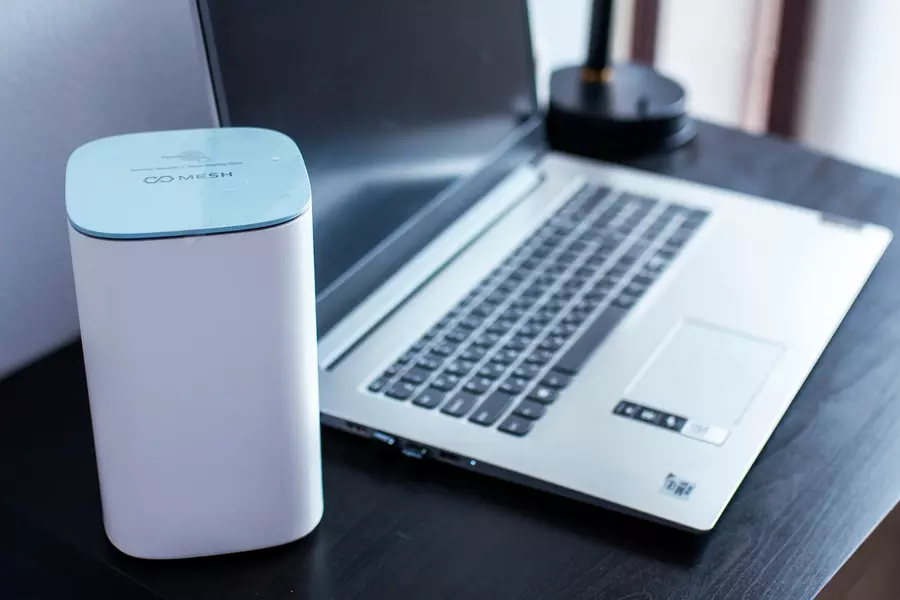
Extralink Dynamite Mesh System – reliable wifi mesh system
The Extralink Mesh system, which provides high-performance WiFi, offers access to every corner of the home without degrading signal quality as the end device moves between Mesh devices. The Dynamite Mesh system is designed for devices to connect to each other within a single Wi-Fi network. If one satellite disconnects, the other units automatically and seamlessly reconnect to the internet.
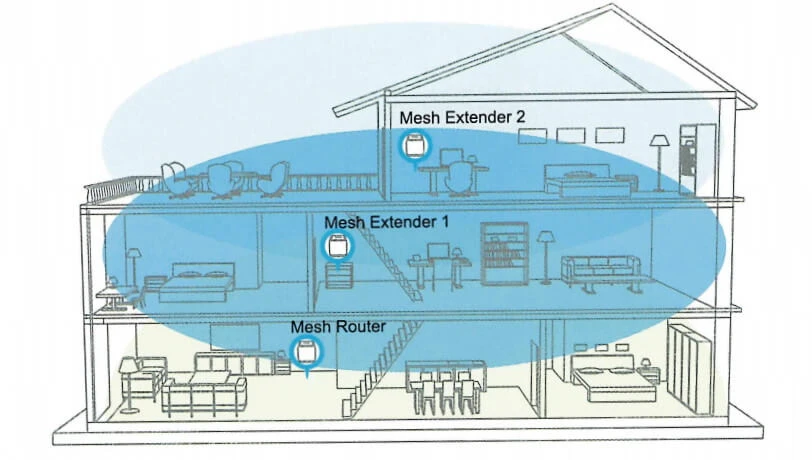
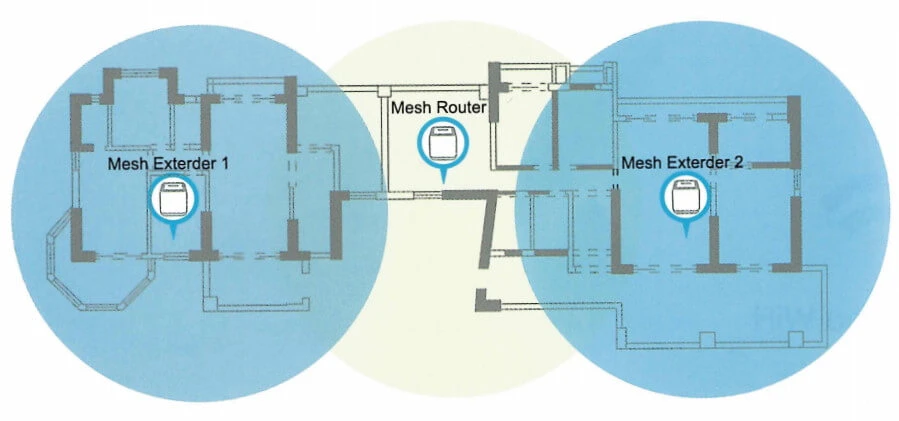
The system selects the best route for connecting devices and operates the network as quickly as possible. The Dynamite Mesh C31 provides simultaneous connections at 5 GHz with a maximum transmission speed of 1733 Mbps (one module), a second 5 GHz module at 886 Mbps transmission speed, and up to 300 Mbps speed at 2.4 GHz, with a total available transmission speed of up to 3000 Mbps. It offers exceptionally high Wi-Fi coverage and stable transmission speed, while 4x 7dBi and 2x 5dBi 5GHz antennas and 2x 5dBi 2.4GHz antennas provide even better wireless performance.
Easy installation and configuration
The Extralink Dynamite C31 can be controlled via mobile devices and web browsers. The setup process is not overly complicated. You can configure the device for the first startup with a simple wizard, and the configuration itself takes just a few minutes. You can do this by installing the MeshGo APP via download or by scanning the QR code from the store: